

How To Use The Customer Self-Service Suite
PLEASE NOTE: Due to unforseen technical issues, we have to to temporarily disable cancellations through Self-Service if you paid through Klarna. Please contact our Customer Service team and they will process the refund for you manually. We apologise for any inconvience, and are working to get this resolved as quickly as possible. Thank you for your understanding.
This guide will walk you through how to use the different functionality offered through your My Account area now on the Wayland Games website.
Please note: to use these features, make sure you've placed an order whilst logged-in first. Some functions may become unavailable depending on how far through your order is through our warehouse proccesses.
Checkout the video below or read the guide further down the page!
Logging-In & Navigating
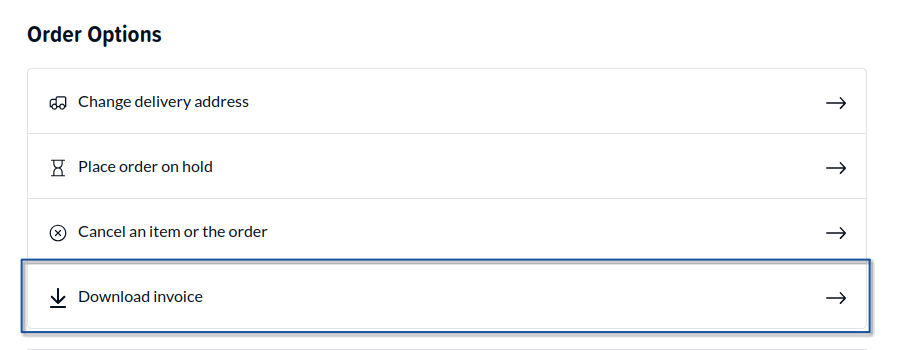
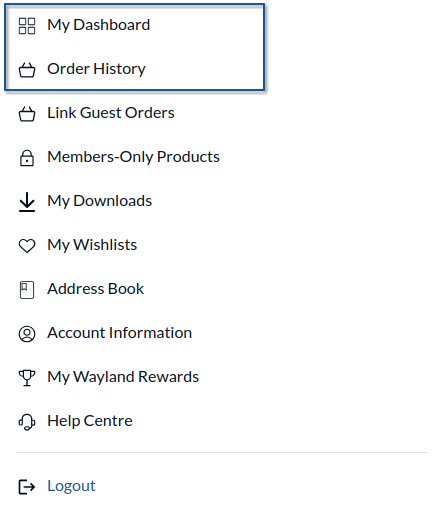
Firstly, if you haven’t done so already, log in to your account on waylandgames.co.uk. Then, click on the My Account button at the top-right of the page, next to the cart icon. The self-service components are all found on an order page; you can view all your orders under ‘Order History’, or your most recent order under ‘My Dashboard’. Once you find the order you wish to view, click on the blue "View Order" button. Once in an order, scoll down to the "Order Options" section.
Change Delivery Address
The first thing you can now do is alter your shipping address, provided that the shipping address is still in the same country, i.e. you cannot initially ship to the United Kingdom and then try to change your address to Ireland.
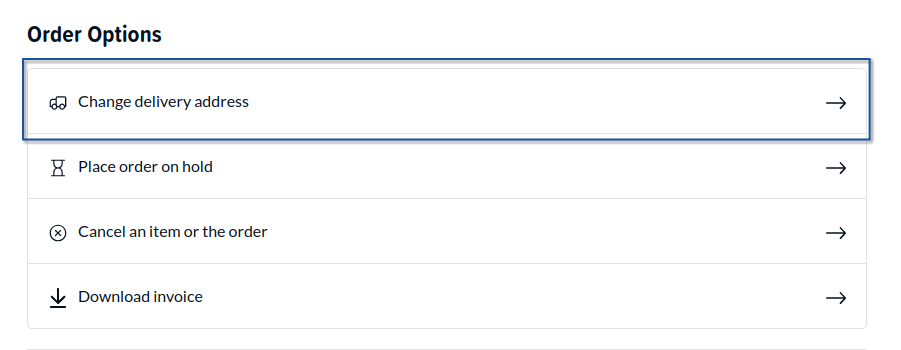
Here you can change address from one previously used in your address book in the dropdown, or underneath you can click "Or add new address" to open the side panel to enter a new address into your address book. Please note, as before, you can only choose the country you originally shipped to.
Once you have saved the address into your address book, you can then choose it from the dropdown.
All you need to do now is click “Confirm Address” and wait while the system updates your delivery address. Please be patient, you will shortly receive a modal showing either a success message, or if we’re unable to action the request, a failure message will be shown.
Along with your address being updated correctly on the Order Details page, you will also receive an email notification confirming successful update of the address.
Placing An Order On Hold
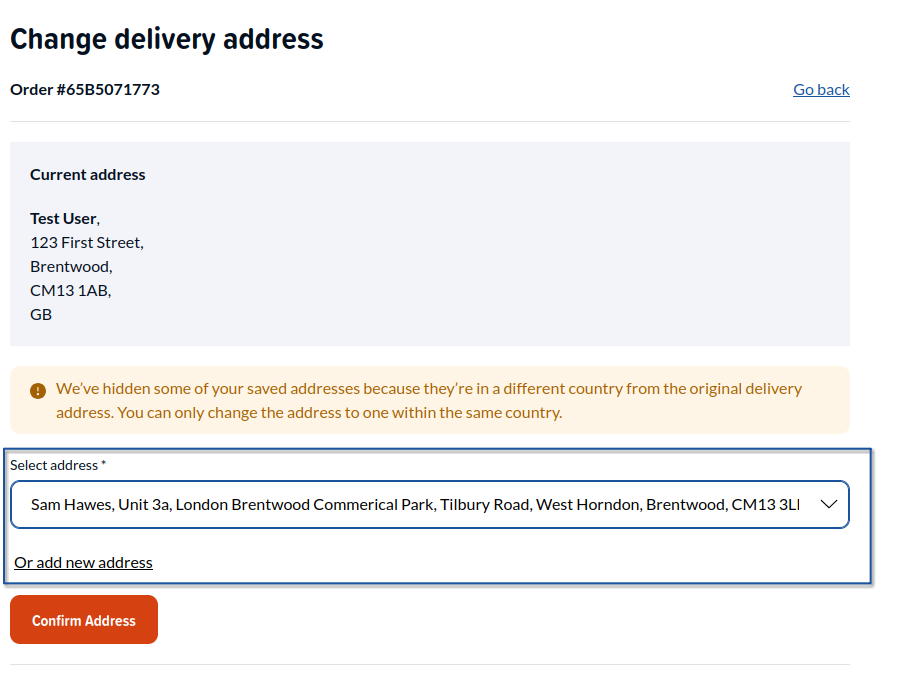
The second feature allows you to place an order on hold for 14 days, to stop it being avaliable to being picked and packed by our warehouse team. This is useful for when you go on holiday or are unable to accept a parcel.
Some things to note here:
- Currently, it is not possible to un-hold an order early through the self-service suite (yet!). It will only un-hold after 14 days have passed since you put the order on hold.
- This will not work in conjunction with Pre-Order orders. For instance, if you place an order on hold for a pre-order item, it will not hold that item 14 days after the release date. You will need to place an order on hold the day before for maximum benefit.
Cancel Item(s) Or The Order
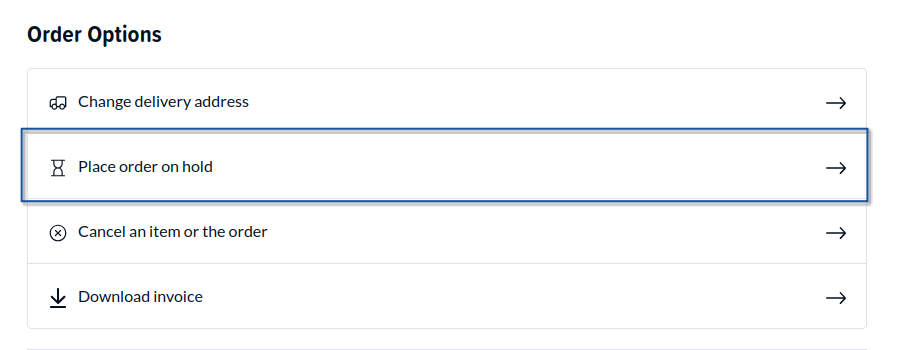
The third option is an sought after request, the ability to cancel a line, multiple lines, or the entire order.
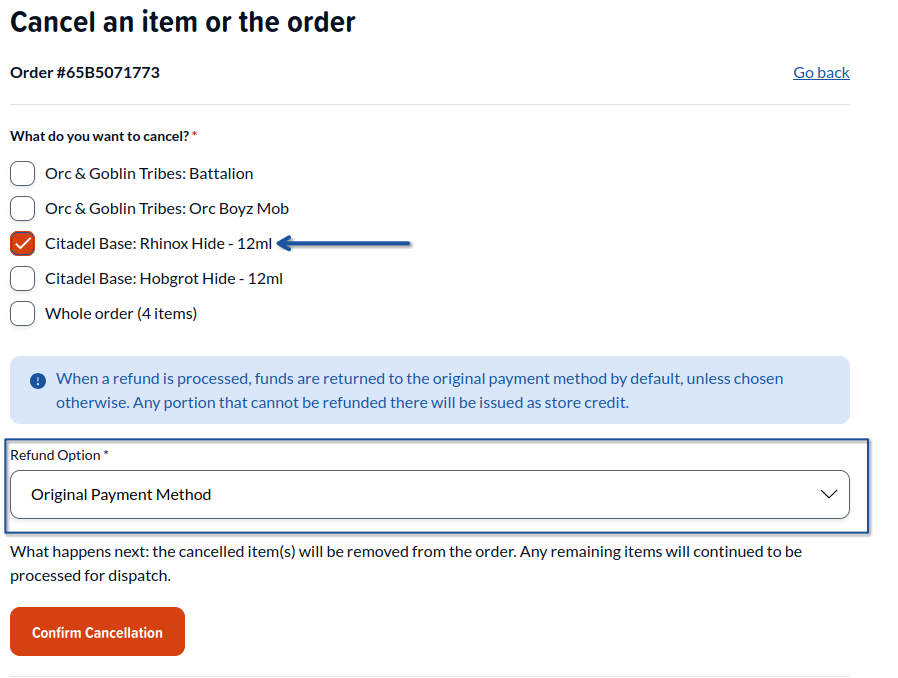
This screen shows the lines available to cancel in your order. In this example, the customer would like to cancel the line Citadel Base: Rhinox Hide - 12ml. So they would tick the line they wish to cancel, and select from the dropdown how they would like be refunded - either back to store credit or their original payment method.
Please note: when a refund is processed, we will attempt to fully allocate as much to your original payment method as possible first. Any portion that cannot be refunded there, such as those already part-paid with store credit, will be reissued back as store credit.
It is also worth to note at present we are only able to cancel order lines, not induvidual quantities. For instance, if you had 2x Citadel Base: Rhinox Hide - 12ml, the system would cancel both (the entire line) rather than just one. Keep a look out on this page for more improvements to this system in the future!
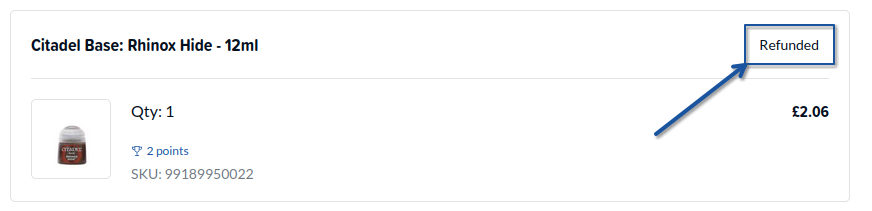
As you can now see in this example, the line on the order summary page has changed from "Paid" to "Refunded". You will also recieve an email titled "Credit Memo" which is a reciept of your refund. Refunds are usually processed within 5 working days, unless it's to store credit in which it is instantaneous.
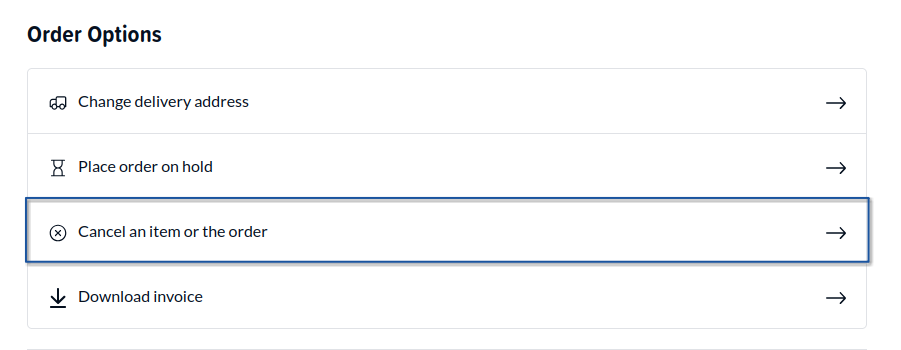
Downloading Invoices
Like previously, you can download an invoice of your order here. Simply click "Downlaod Invoice" to generate and download a PDF of your invoice for your order.